I didn't want to start a new 4990 thread as it looks like a few people might still be using them.
.
I'm not sure if the quote feature worked properly, but is the standard 120/220 holder for this machine the one with 3 openings that are approx 56mm high by 122mm wide? So, 2 6x6cm frames in each "opening."
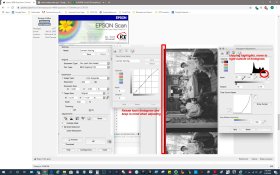
If I load the above holder with 3 strips of film so that I have (6) 6x6 frames to scan, then select the "thumbnail" option in epson scan, I get 8 images split on the film frame lines, instead of each full frame. Does that make sense?
I can get decent scans using "preview," and then doing the "marquee" and scan, but the odd division of the frames in "thumbnail" is really confusing.