


Hi all, I've been playing around today with a neg that I haven't really had much love with. So I though i'd ask for some suggestions..
here is the scan... (the original neg is 35mm HP5+ developed in D76 1+1)
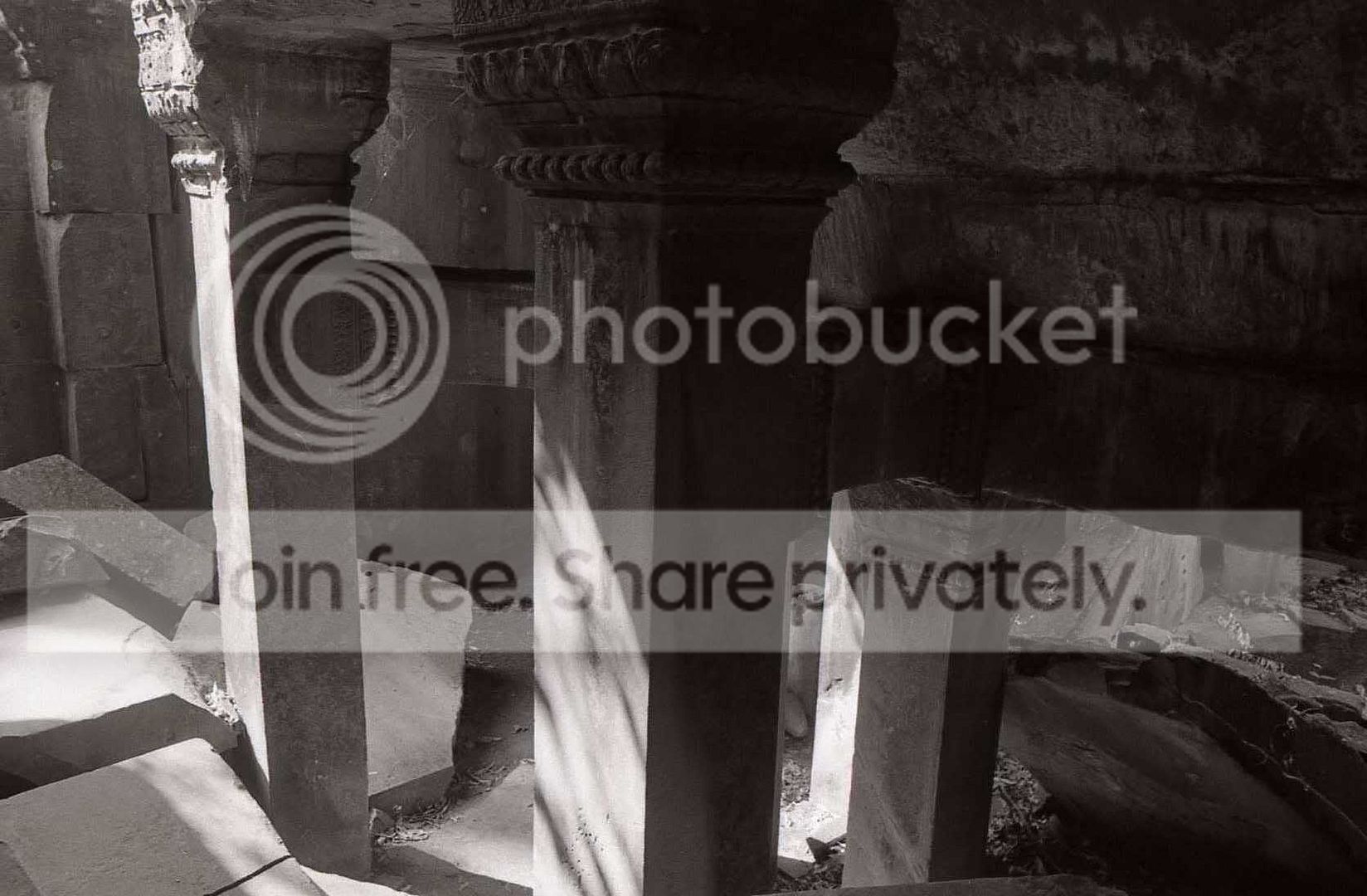
I'm having massive contrast issues which aren't really too visible in the scan, the problem is the rock on the left, and the left face of the column are being blown out.
What I've done is increase the exposure a fair bit until I get detail back in the highlights. Then I've reduced the contrast. By the time I have gotten down to Grade 1, it's looking better, but the right side of the image (particularly the right face of the pillar closest to the camera) has lost too much detail in the shadows.
If I reduce the contrast below grade 1, the shadows improve, but the mid-tones become muddy. In fact, the midtones look great printed at grade 2 with less exposure (and so do the shadows) just the highlights are gone.
I've tried dodging the right side of the image and this also makes it better, but I'm wondering if there are any techniques I could try to tone down the highlights a bit so I don't have to use as much exposure (and hence less contrast)
I'm printing on Ilford MGIV FB Gloss in Ilford MG developer.
:confused:
here is the scan... (the original neg is 35mm HP5+ developed in D76 1+1)
I'm having massive contrast issues which aren't really too visible in the scan, the problem is the rock on the left, and the left face of the column are being blown out.
What I've done is increase the exposure a fair bit until I get detail back in the highlights. Then I've reduced the contrast. By the time I have gotten down to Grade 1, it's looking better, but the right side of the image (particularly the right face of the pillar closest to the camera) has lost too much detail in the shadows.
If I reduce the contrast below grade 1, the shadows improve, but the mid-tones become muddy. In fact, the midtones look great printed at grade 2 with less exposure (and so do the shadows) just the highlights are gone.
I've tried dodging the right side of the image and this also makes it better, but I'm wondering if there are any techniques I could try to tone down the highlights a bit so I don't have to use as much exposure (and hence less contrast)
I'm printing on Ilford MGIV FB Gloss in Ilford MG developer.
:confused:


