
• Welcome to Photrio!
    Registration is fast and free. Join today to unlock search, see fewer ads, and access all forum features.
    Click here to sign up

Shanghai GP3 120 Falure

Recent Classifieds

Forum statistics

Threads
201,879
Messages
2,831,660
Members
100,998
Latest member
mktoy
Recent bookmarks
0

Athiril

Subscriber
Allowing Ads
Joined
Feb 6, 2009
Messages
3,062
Location
Tokyo
Format
Medium Format
Interesting. If you have some potassium bromide, or sodium chloridre try dichromate + that on one of your negatives that has masks, wash and re-develop back to a neg? See if that clears it up?

Or perhaps a wash in dilute sulphuric acid on its on?
 
OP
OP
mrred

mrred

Member
Allowing Ads
Joined
Mar 8, 2009
Messages
1,251
Location
Montreal, Ca
Format
Multi Format
I just used my last bit of bromide tonight. But that is a thought... My reversal sulphuric acid is diluted to %2. Might try it as a stop bath....extra long time...

It definitely proves that the image is not baked into the image.
 

analoguey

Member
Allowing Ads
Joined
Jul 24, 2013
Messages
1,103
Location
Bangalore, I
Format
Multi Format
The latest batch dint seem to have any such issues. So I don't have current comments but when I shot the 2014 expiry ones (within but close to expiry) they did clean up. If it's cleaning up for you on making them positives, should Clean up otherwise too. I used a mild washing liquid detergent - unfortunately didn't kept exact note of how much I used, but I'd say very little.
 

Mark Crabtree

Member
Allowing Ads
Joined
Apr 21, 2009
Messages
782
Format
Large Format
At least on my rolls, this clearly seems to be part of the silver image so it is hard to see how post treatment could fix it. You can see the imprint interacting with the exposed image. I'm just using them as test rolls; I do get some fully printable images, though with some texture from the print through. It seems like overpowering it with the image exposure helps to an extent.
 

JW PHOTO

Member
Allowing Ads
Joined
May 15, 2006
Messages
1,148
Location
Lake, Michig
Format
Medium Format
At least on my rolls, this clearly seems to be part of the silver image so it is hard to see how post treatment could fix it. You can see the imprint interacting with the exposed image. I'm just using them as test rolls; I do get some fully printable images, though with some texture from the print through. It seems like overpowering it with the image exposure helps to an extent.

I was under the same impression and thought that it was "silver - latent" and not just a stain from chemicals. I would think the only possible solution would be some sort of pre-wash or maybe something even better.......................????? How about a slight pre-exposure? Like you said, "overpower" those nasty dots. Maybe about a zone II pre-exposure would work? The only film I had this problem on was Photo Warehouse's junk they sold, but I believe that that was this very same film. I've only used the latest GP3 labeled stuff and no problems so far. If I did have the dot problem and think pre-exposure might work???? It's not the perfect solution, but might make the film more than just a "test" film then. John W
 
OP
OP
mrred

mrred

Member
Allowing Ads
Joined
Mar 8, 2009
Messages
1,251
Location
Montreal, Ca
Format
Multi Format
Mark, it may just be overpowering everything from the reversals. Dektol 1:1 for 15 mins is a lot for negs and the bleach is much stronger than e6 or c41.

I am gonna try to isolate what may be doing the deed, then figure out a process to deal with it. Removing before developing is preferred, but didn't seem to matter with reversals.

Sent from my Nexus 5 using Tapatalk
 

Richard S. (rich815)

Member
Allowing Ads
Joined
Jan 14, 2003
Messages
4,924
Location
San Francisco
Format
Multi Format
Well, just for the heck of it I thought I'd try a heavy pre-wash in plain water. 4-5 full blown clean water rinses until all the blue was gone. Heavy shake for each wash. Then developed in HC-110. Did nothing. HEAVY mottling and heavy numbers and those dots that get bigger and bigger to tell you the next frame number is coming through the red windows. Frankly this is the heaviest and the worst of this I've seen so the backing paper as it ages justs gets worse and worse imprinting onto the fil it seems. I suspect it's there sooner than many think and only evident lightly in open areas like skies. Only later becoming quite evident.

Sigh....oh well. Maybe I'll post some example scans and put it on an eBay auction and some hipsters looking to be "unique and different" will fall over over it and bid it up.
 
OP
OP
mrred

mrred

Member
Allowing Ads
Joined
Mar 8, 2009
Messages
1,251
Location
Montreal, Ca
Format
Multi Format
I haven't had a chance to get back to this. It puzzles me that reversal seems to clear it up. One thing I don't do is use a stop bath. The reversal uses heavy acids, and this is where I think I may go. A stop bath made of sodium metabisulfite could be in order.
 
OP
OP
mrred

mrred

Member
Allowing Ads
Joined
Mar 8, 2009
Messages
1,251
Location
Montreal, Ca
Format
Multi Format
I just popped some film into a wash, then fixer. No marks. So... It's something in the development that brings it out. I'm not sure what can be done at this point.
 

Arctic amateur

Member
Allowing Ads
Joined
Oct 24, 2011
Messages
325
Location
Ringerike, Norway
Format
35mm
Frankly this is the heaviest and the worst of this I've seen so the backing paper as it ages justs gets worse and worse imprinting onto the fil it seems.

That's my experience too. I bought 10 rolls in 2010 or 2011. I didn't notice the issue on the first few rolls, but as I shot a roll now and then it gradually appeared, getting worse with each roll. The rolls I shot in 2013 are quite bad.
 

Richard S. (rich815)

Member
Allowing Ads
Joined
Jan 14, 2003
Messages
4,924
Location
San Francisco
Format
Multi Format
OP
OP
mrred

mrred

Member
Allowing Ads
Joined
Mar 8, 2009
Messages
1,251
Location
Montreal, Ca
Format
Multi Format
It's a chemical exposure from the paint. Of course you must develop the film to see the marks. They are developed silver.

If that were true, it would also show up on my reversals.
 

Athiril

Subscriber
Allowing Ads
Joined
Feb 6, 2009
Messages
3,062
Location
Tokyo
Format
Medium Format
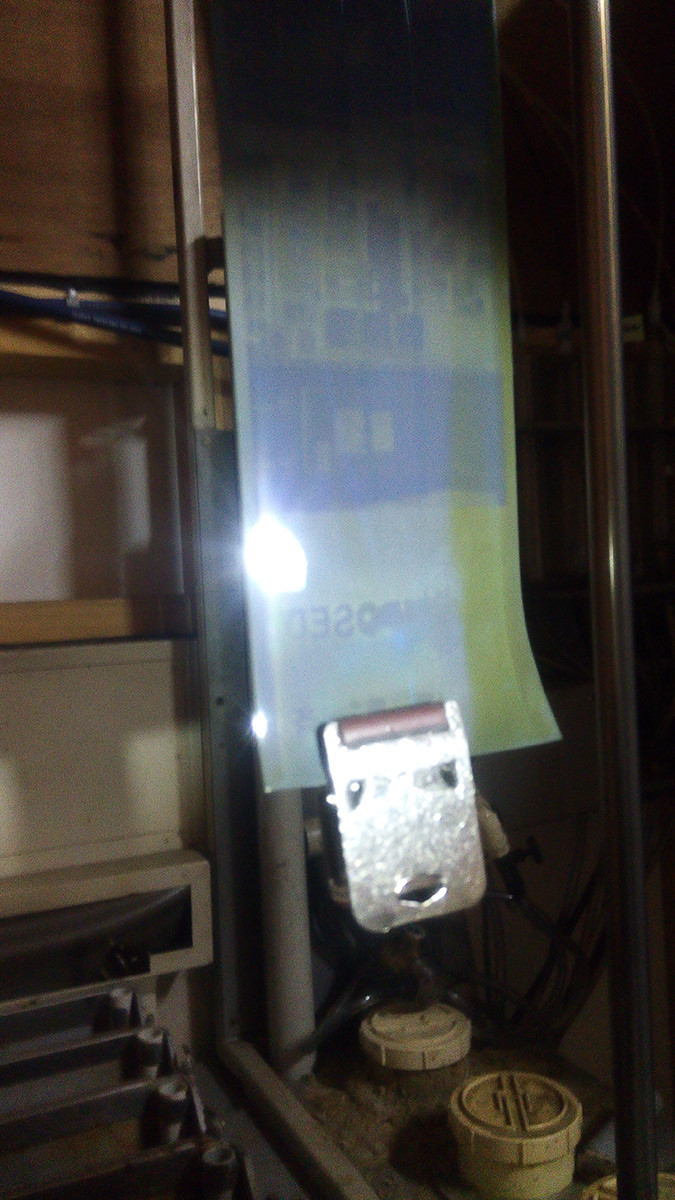
Just to add to this.. I had backing marks all over a roll of Provia 100f when I inspected it mid process, which as it came out of the pre-bleach. You can see 'EXPOSED' written on it, which is from the backing paper.

I had left this mid roll in my back for about a month, I cant remember if this was one of my expired frozen rolls of Provia (which are fine), or a fresh one.

The thing is, soon as it comes out of the bleach, all the marks are gone, and once the process is fully finished, not a trace of them is detected in the final images.


rlqh9gR.jpg
 
OP
OP
mrred

mrred

Member
Allowing Ads
Joined
Mar 8, 2009
Messages
1,251
Location
Montreal, Ca
Format
Multi Format
I'm wondering if a general bleach-redevelop would fix this...
 

JW PHOTO

Member
Allowing Ads
Joined
May 15, 2006
Messages
1,148
Location
Lake, Michig
Format
Medium Format
Just to add to this.. I had backing marks all over a roll of Provia 100f when I inspected it mid process, which as it came out of the pre-bleach. You can see 'EXPOSED' written on it, which is from the backing paper.

I had left this mid roll in my back for about a month, I cant remember if this was one of my expired frozen rolls of Provia (which are fine), or a fresh one.

The thing is, soon as it comes out of the bleach, all the marks are gone, and once the process is fully finished, not a trace of them is detected in the final images.


rlqh9gR.jpg

There we go! If I have any backing-dot-number problems in the future with GP3 I'll just bleach it and presto, they're gone.:laugh: I still have not had problems with my last three batches. Knock on wood! John W

 

Athiril

Subscriber
Allowing Ads
Joined
Feb 6, 2009
Messages
3,062
Location
Tokyo
Format
Medium Format
There we go! If I have any backing-dot-number problems in the future with GP3 I'll just bleach it and presto, they're gone.:laugh: I still have not had problems with my last three batches. Knock on wood! John W

I'm curious if bleaching and redeveloping will do the trick. I have fortunately never had the issue either. Though unfortunately that means I can't test this.

I'm wondering if a general bleach-redevelop would fix this...

You should test it!


If anyone has a developed roll with backing marks on it
Or an unexposed roll from a known batch to have these issues they'd like to send me I could also test it :smile:
 
Photrio.com contains affiliate links to products. We may receive a commission for purchases made through these links.
To read our full affiliate disclosure statement please click Here.

PHOTRIO PARTNERS EQUALLY FUNDING OUR COMMUNITY:


Ilford ADOX Freestyle Photographic Stearman Press Weldon Color Lab Blue Moon Camera & Machine
Top Bottom