• Welcome to Photrio!
    Registration is fast and free. Join today to unlock search, see fewer ads, and access all forum features.
    Click here to sign up

Old computers learning new tricks - Zen and the art of computer upgrades

Recent Classifieds

Forum statistics

Threads
202,690
Messages
2,844,293
Members
101,470
Latest member
pennyboy
Recent bookmarks
0
Oh, my "nice" laptop which is a Dell XPS15 from 2017 is upgradeable to a point, I can fit more ram, I can add a larger ssd and I may be able to swap the graphics card although that may be prohibitively expensive

 
I have on old HP laptop loaded with WinXP here, another older laptop with Win8, a Third "nice" laptop running Win10 and an HP desktop running Win10. I get messages on both Win10 machines saying they are incapable of running Win11. I've thought about jumping over to Mac with that new Mac mini, but can anyone report on a switch to a 2024 mac that is using an old scanner.

I'd also welcome any other strategies. I don't really "need" a desktop, but I do desperately need a half-decent monitor (I think I'll get one of the Asus proArt models), and I would need a laptop that can run a separate monitor smoothly.

@Pieter12 are there some maxed out models in the refurb que? I can take a look. That is where Apple really bites us in the behind is with upgrade prices. My brother-in-law and I "built" a $14k Macpro out of sheer curiosity.
Not sure if the Apple refurbished Macs are maxed out: https://www.apple.com/shop/refurbished/mac
 
Not sure if the Apple refurbished Macs are maxed out: https://www.apple.com/shop/refurbished/mac

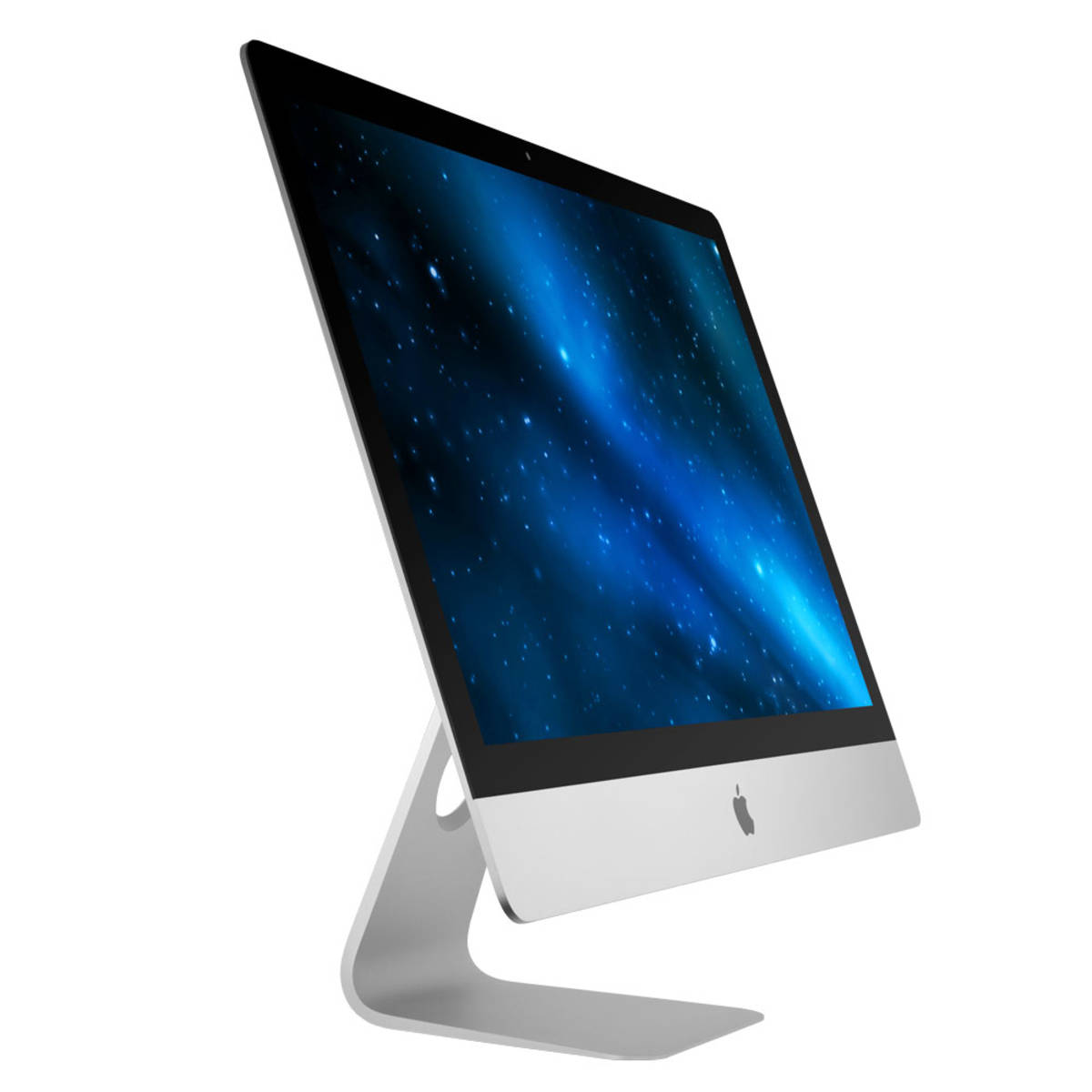
Most expensive refurbished 24 inch iMac has only 32gb ram and a 2TB drive. I didn't check them all, there may be one with more ram and a smaller HD
 
One can still work around the TPS requirement for Win11 AFAIK

I ended up following some instructions and setting up Windows Server that installs my cleaned ("Golden") versions of Windows via network with none of the services and software I don't want and with some that I or my clients need. Took a good amount of elbow grease, but now I can install Windows like a boss in no time. And TPM isn't an issue at all - does not participate in Setup at all. And I don't see any dirty checkboxes - all is disabled under the hood, no slimy permissions granted. After the restart I'm greeted by login screen and that's all.

Result - clean and pristine Windows 10 and 11 with no bloat. Well - until new and forced "feature" pack update drops, adding the newest and shiniest bloat like Copilot. But 90% of the annoyances are gone, making W11 a tad more palatable.
 
Last edited:
I've solved "the main problem" by having multiple computers and operating systems so that I can get all the software that I like, and hardware that I need, to work.

But that doesn't mean that I avoid all problems. It just means that I have different problems with different setups.
 
The important thing to remember regarding ending support for older Microsoft and/or Apple operating systems is that it only matters if your are trying to (1) be online or (2) use updated software. The WinXP machine that successfully ran the scanner for 8 years will do so as long as the hardware holds out, provided you don't mess with the software.

So, buying a new computer can free up an old one to serve a dedicated purpose. A computer doesn't need constant security updates if it's never online.
 
I am using Windows 11 with LightRoom and PhotoShop, however I would rather use an update Mac and have access to the larger machine.
 
So, buying a new computer can free up an old one to serve a dedicated purpose. A computer doesn't need constant security updates if it's never online.

Exactly, but there are software protections even if they are on-line. AVG continues to offer free virus protection for XP, for example.

But I always try to create backups -- not so much because of fears of viruses -- but because software & hardware conflicts can rear their ugly heads at any time.

I've got a great 4x5" scanner that SHOULD work with Windows XP or Windows 10. I've got the software for both operating systems on two different computers, but I can't get either to work -- even though the scanner is A-OK. Someday I'll figure it out.
 
Photrio.com contains affiliate links to products. We may receive a commission for purchases made through these links.
To read our full affiliate disclosure statement please click Here.

PHOTRIO PARTNERS EQUALLY FUNDING OUR COMMUNITY:



Ilford ADOX Freestyle Photographic Stearman Press Weldon Color Lab Blue Moon Camera & Machine
Top Bottom