



Andreas Thaler
Subscriber
In several articles, we have discussed the flange focal distance. the infinity focus of lenses, and the autocollimator.
If we set the lens to infinity and use it to focus on the target, the image must also appear in focus on the focusing screen.
If this is not the case, and the flange focal distance and the infinity setting on the lens are correct, the problem can only lie with the SLR’s rangefinder system. Errors here may be due to the mirror or the focusing screen (misaligned).
So let’s continue working on our Olympus OM-4
whose flange focal distance we have already verified for and on which we adjusted an OM Zoom to infinity at its longest focal length (f/200 mm).
After checking the flange focal distance and the infinity adjustment on our Olympus set and confirming that they are OK, we can check the focusing system.
In the viewfinder of the OM-4, a subject at infinity must be sharply focused using the infinity setting on the lens.
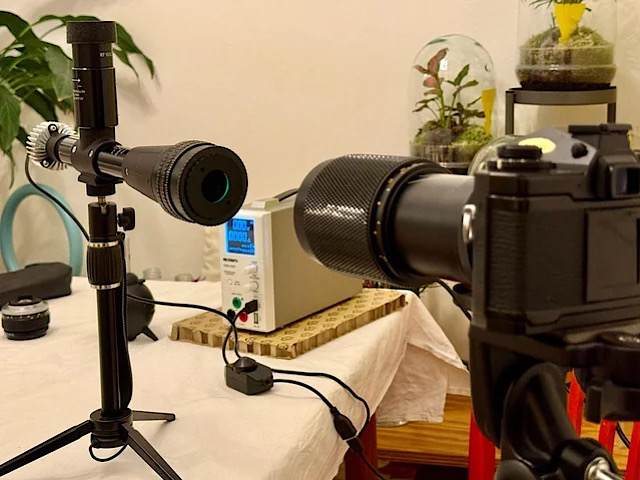
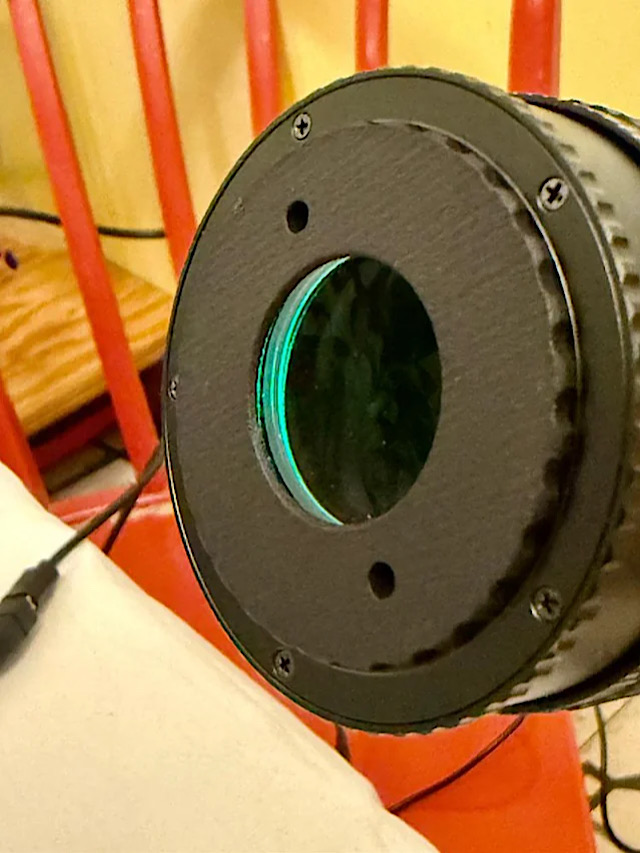
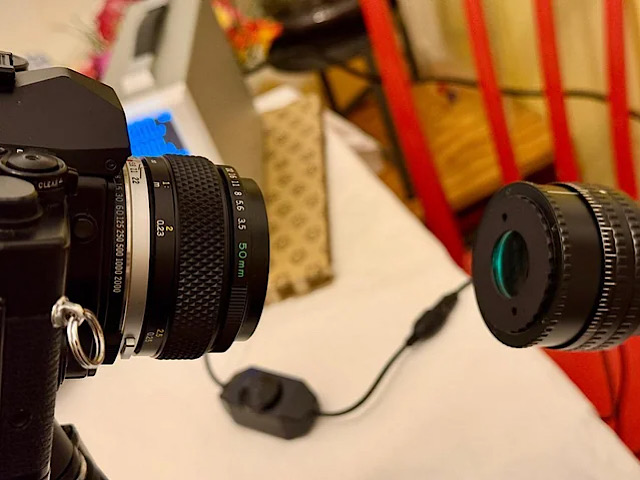
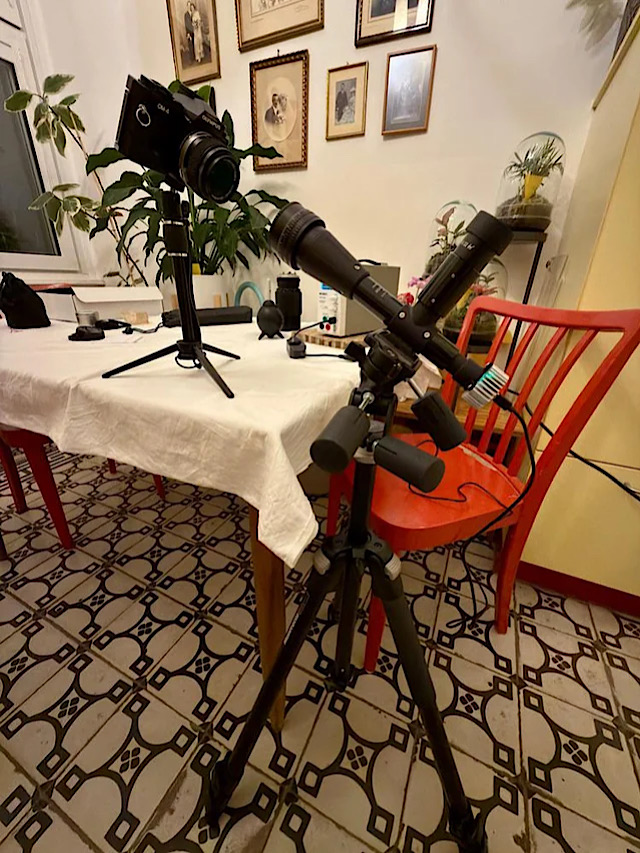
To do this, we set up the autocollimator so that we can look through the viewfinder of the OM-4 into its lens.
As we know, the autocollimator projects a luminous target through its lens that appears to be infinitely far away for an SLR. So, if we set the lens to infinity, the target must be sharply focused in the viewfinder.
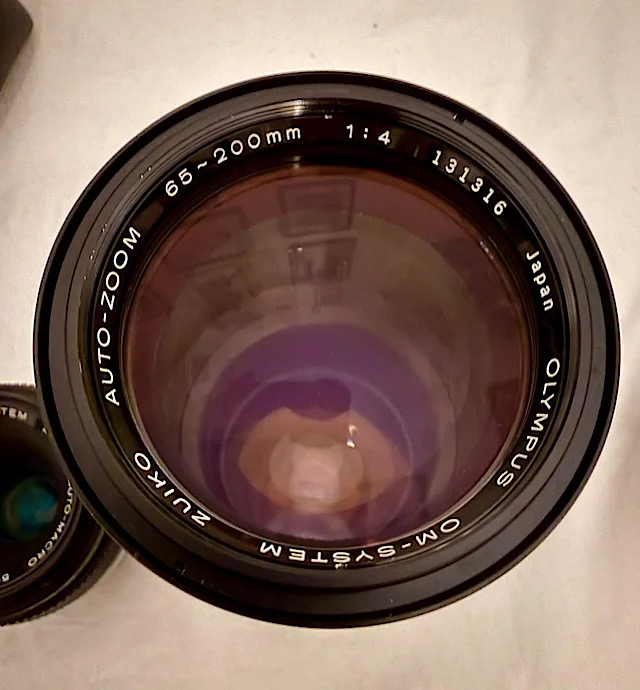
Test #1 with an Olympus OM Zuiko 65-200/4 auto zoom
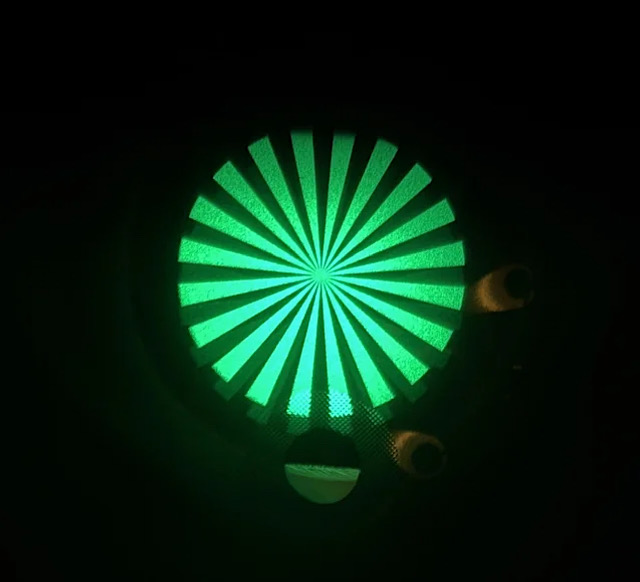
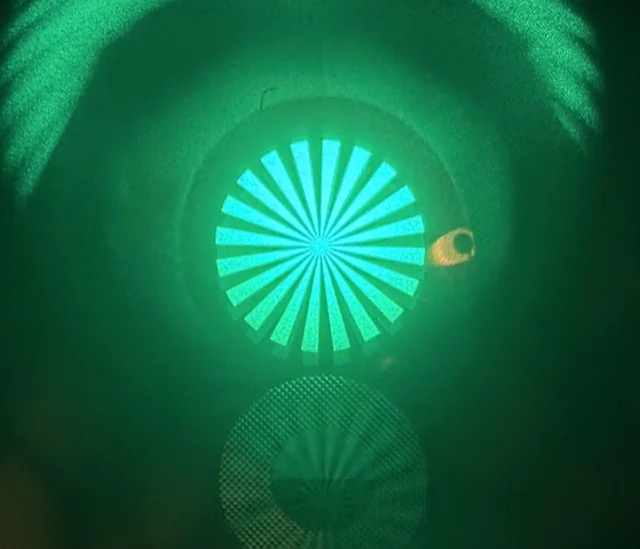
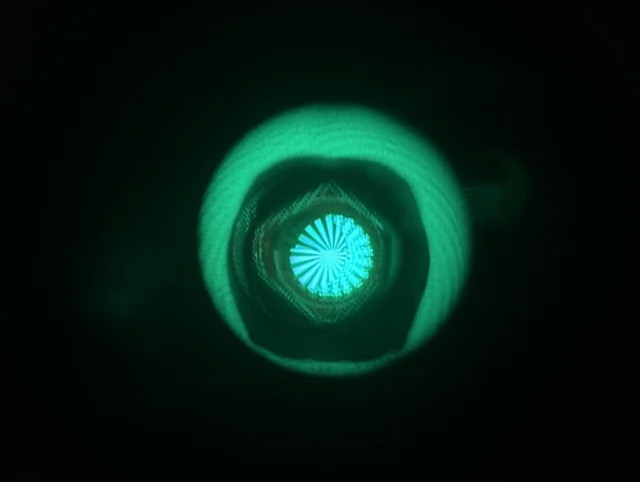
The first image shows the target in the viewfinder at a focal length of 200 mm. Perfectly sharp.
That was to be expected, since we had adjusted the zoom's longest focal length using the autocollimator.
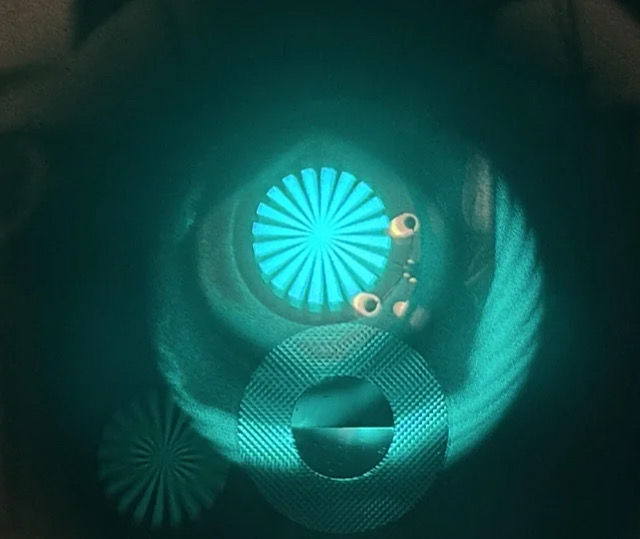
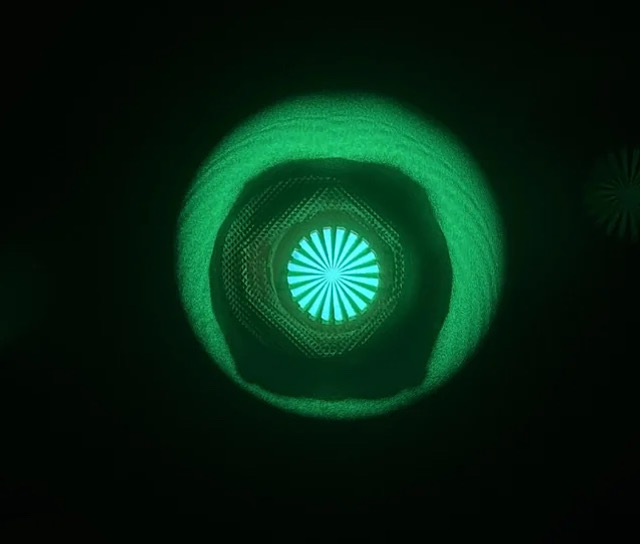
The second image at a focal length of 100 mm. Also sharp in the viewfinder.
The third image at 65 mm. Here it was difficult to capture the viewfinder image with the iPhone.
The sharpness isn't perfect. That's because we only performed infinity adjustment for the longest focal length (f/200 mm) but not for the shortest (f/65 mm).
Adjusting this focal length using the autocollimator should resolve the issue.
Conclusion
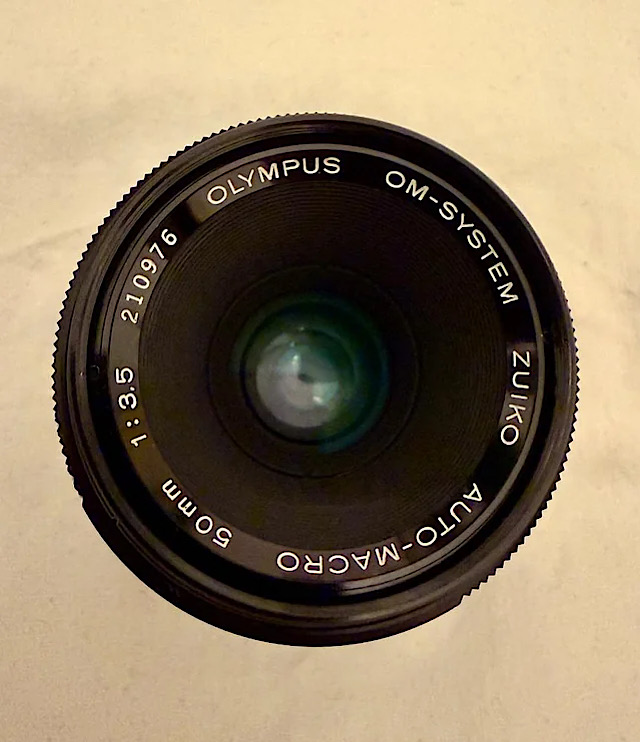
The infinity setting of the lens has not been checked with the autocollimator.
The first image shows the target in the viewfinder of the OM-4 with the focusing ring not set to infinity.
The split-image indicator splits the target as expected.
In the second image, the lens is set to infinity. The target is sharp and not split.
Conclusion
We will now combine all of our findings to check the sharpness of an SLR lens combination and, as far as possible, adjust it.
Step 1: Measure and adjust the flange focal distance on the SLR.
Step 2: Check and adjust the infinity setting on the lens.
Step 3: Check and adjust the focusing system of the SLR.
This allows for a systematic approach and helps to avoid experimentation and haphazard measures.
How can these three parameters be corrected?
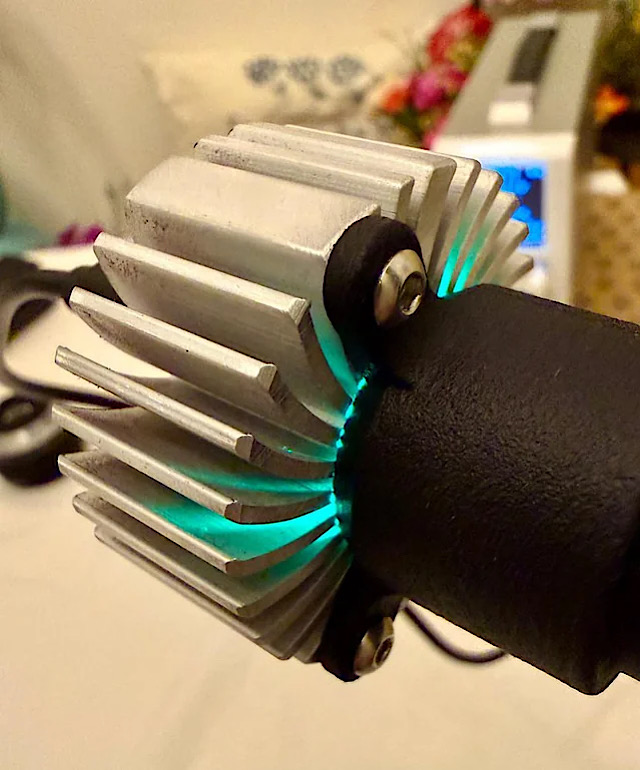
The autocollimator, with its 3-watt LED, had its work cut out for it during all these tests. As a result, the heat sink gets quite warm and is mysteriously illuminated by the LED.
- We concluded that the flange focal distance of an SLR must first be verified through measurement.
- If this is correct, an objective lens on this SLR can be adjusted to infinity using an autocollimator.
- What is still missing is a test procedure that allows us to assess the accuracy of the focusing system (here we are limiting ourselves to lenses that are manually focused via a focusing screen).
If we set the lens to infinity and use it to focus on the target, the image must also appear in focus on the focusing screen.
If this is not the case, and the flange focal distance and the infinity setting on the lens are correct, the problem can only lie with the SLR’s rangefinder system. Errors here may be due to the mirror or the focusing screen (misaligned).
So let’s continue working on our Olympus OM-4
whose flange focal distance we have already verified for and on which we adjusted an OM Zoom to infinity at its longest focal length (f/200 mm).
After checking the flange focal distance and the infinity adjustment on our Olympus set and confirming that they are OK, we can check the focusing system.
In the viewfinder of the OM-4, a subject at infinity must be sharply focused using the infinity setting on the lens.
To do this, we set up the autocollimator so that we can look through the viewfinder of the OM-4 into its lens.
As we know, the autocollimator projects a luminous target through its lens that appears to be infinitely far away for an SLR. So, if we set the lens to infinity, the target must be sharply focused in the viewfinder.
Test #1 with an Olympus OM Zuiko 65-200/4 auto zoom
The first image shows the target in the viewfinder at a focal length of 200 mm. Perfectly sharp.
That was to be expected, since we had adjusted the zoom's longest focal length using the autocollimator.
The second image at a focal length of 100 mm. Also sharp in the viewfinder.
The third image at 65 mm. Here it was difficult to capture the viewfinder image with the iPhone.
The sharpness isn't perfect. That's because we only performed infinity adjustment for the longest focal length (f/200 mm) but not for the shortest (f/65 mm).
Adjusting this focal length using the autocollimator should resolve the issue.
Conclusion
- We know that the flange focal distance of the SLR and infinity setting on the lens are OK for f/200 mm.
- Thus the image is sharply focused on the film. The image also appears sharp in the viewfinder.
- This means that the focusing system too works perfectly.
- If we use the autocollimator to adjust the zoom to f/65 mm as well, all focal lengths should produce a sharp image on the focusing screen.
The infinity setting of the lens has not been checked with the autocollimator.
The first image shows the target in the viewfinder of the OM-4 with the focusing ring not set to infinity.
The split-image indicator splits the target as expected.
In the second image, the lens is set to infinity. The target is sharp and not split.
Conclusion
- The flange focal distance of the OM-4 had been verified before.
- The focusing system had also been verified.
- The macro lens produces an infinitely sharp image on the focusing screen.
- Therefore, it should be correctly adjusted to infinity.
- A check using the autocollimator should confirm this.
We will now combine all of our findings to check the sharpness of an SLR lens combination and, as far as possible, adjust it.
Step 1: Measure and adjust the flange focal distance on the SLR.
Step 2: Check and adjust the infinity setting on the lens.
Step 3: Check and adjust the focusing system of the SLR.
This allows for a systematic approach and helps to avoid experimentation and haphazard measures.
How can these three parameters be corrected?
- To adjust the flange focal distance of an SLR, thin shims can be inserted at the junction between the front plate witmirror box, and body to increase the flange focal distance. To reduce it, material can be removed. According to SPT Journal, there were also modified lens mounts for certain SLRs
- To adjust a lens’s infinity focus, we use the autocollimator and adjust its infinity stop. For zoom lenses, the shortest and longest focal lengths are adjusted. Here, it may be necessary to adjust the zoom mechanism as well (not yet researched).
- To adjust the focusing system, we can check the position of the mirror and the focusing screen and attempt to adjust them. Anyway I cannot say whether this is possible without additional measuring instruments.
The autocollimator, with its 3-watt LED, had its work cut out for it during all these tests. As a result, the heat sink gets quite warm and is mysteriously illuminated by the LED.
Last edited:

 A word of caution