• Welcome to Photrio!
    Registration is fast and free. Join today to unlock search, see fewer ads, and access all forum features.
    Click here to sign up

Adobe's new "Super Resolution" feature in Photoshop

Street photo Nashville

A
Street photo Nashville

  • 1
  • 0
  • 21
Rome

A
Rome

  • 2
  • 2
  • 39

Recent Classifieds

Forum statistics

Threads
202,542
Messages
2,842,122
Members
101,371
Latest member
laurae
Recent bookmarks
0
You can scan to DNG container in Vuescan and you'll then be able to apply super-resolution in ACR. But I doubt they trained AI on scanned film images...
 
What would be really interesting for film users, is a network specifically trained to remove emulsion grain, without the usual smearing and degradation, so we can pull up all that low contrast detail we know is “hiding” in high resolution negative scans.

I like grain as much as the next person. But the only reason something like this is hard to use on film is that the network thinks grain is detail.
Something the human visual cortex filters out subconsciously.

This is really not much different than what the most advanced debayering/demosaicing schemes does. Some of them also based on “deep learning” convolution.
 
What would be really interesting for film users, is a network specifically trained to remove emulsion grain, without the usual smearing and degradation, so we can pull up all that low contrast detail we know is “hiding” in high resolution negative scans.

It's quite easy. The network "only" needs a million different scenes shot under exactly same conditions on both Fuji 400MP monster and Tri-X souped in Rodinal. Repeat that for every film-developer combination.

Should keep you busy for a day or two...
 
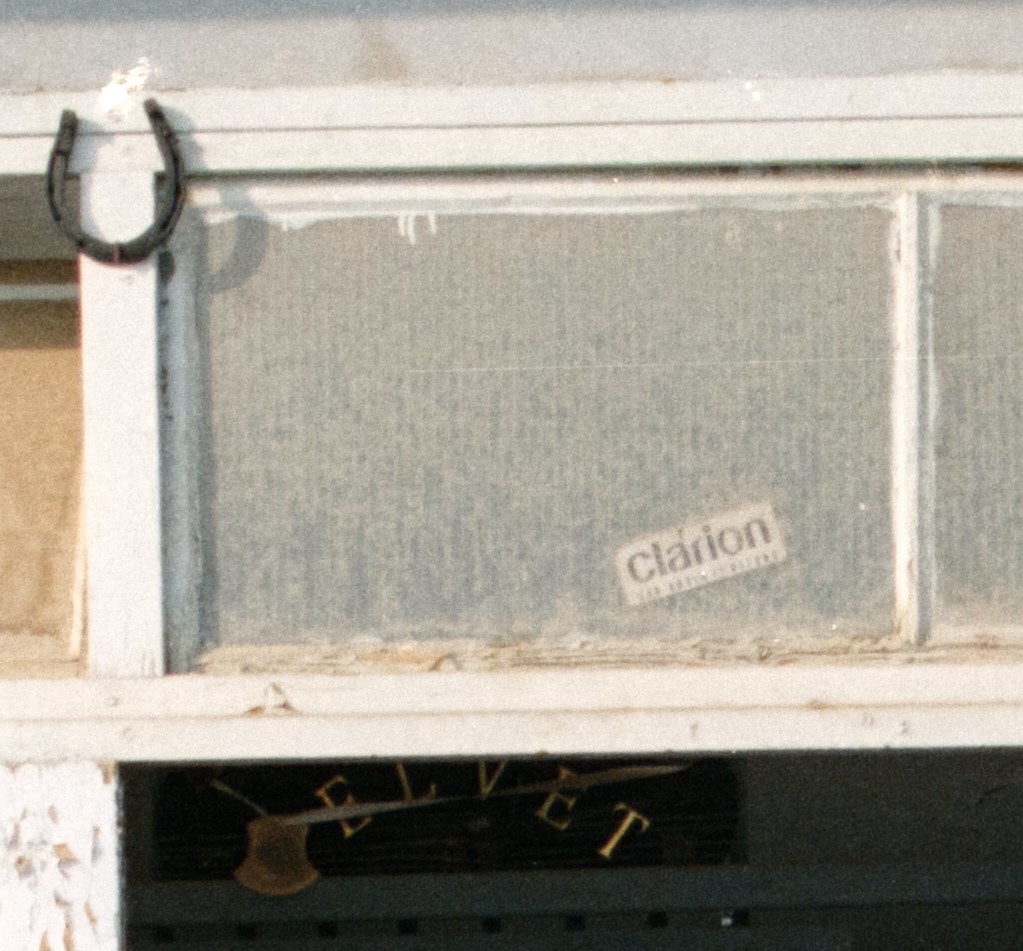
200% crop of Olympus E-M5 II "pixel-shift" resolution scan:


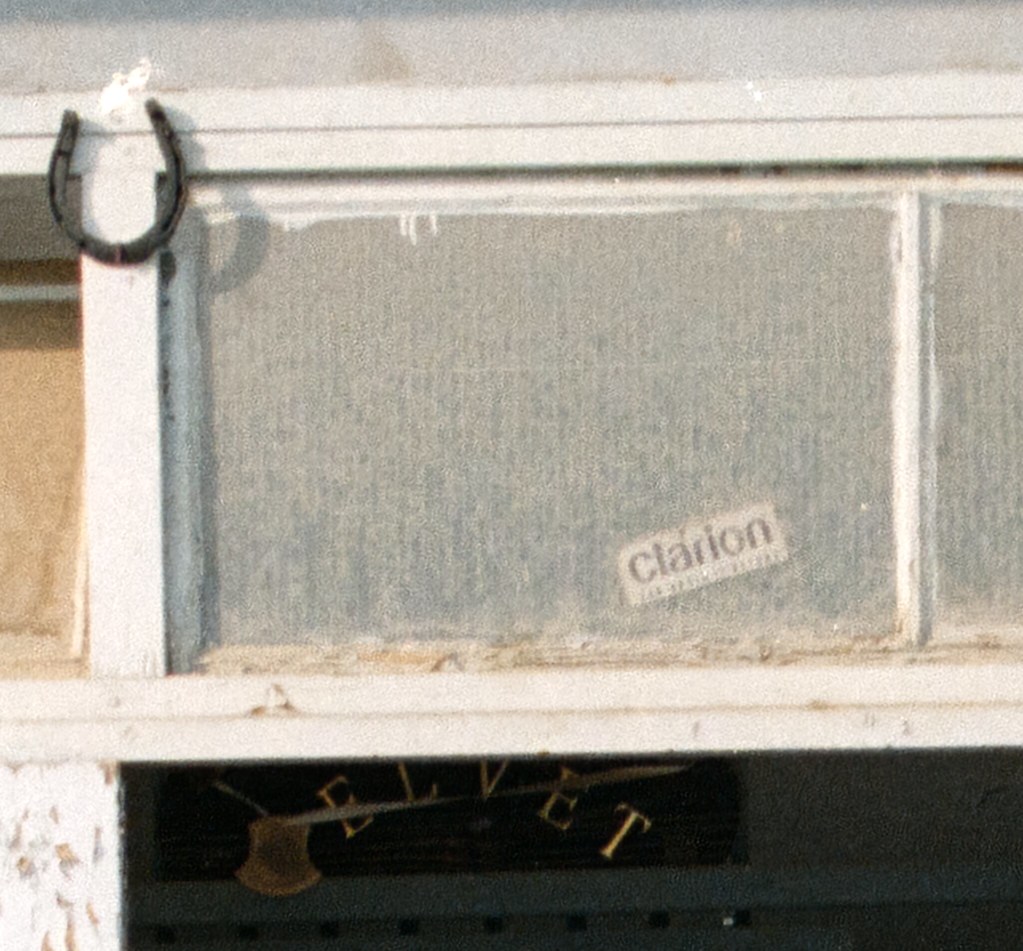
200% cop of Olympus E-M5 II "standard" resolution scan with ACR super-resolution:

 
It's quite easy. The network "only" needs a million different scenes shot under exactly same conditions on both Fuji 400MP monster and Tri-X souped in Rodinal. Repeat that for every film-developer combination.

Should keep you busy for a day or two...

No. That’s not how neural networks work.
It “just” needs to have a general idea of what grain is and how it looks.
Networks to remove general noise (including render noise from incomplete ray tracing, that result in scenes that look 99% like a scene that took 100X as long to render!), has been made. And they work exceptionally well!
But a grain specific network would definitely be better.
 
It “just” needs to have a general idea of what grain is and how it looks.

Yes, and it will only "get" that idea by learning on a LOT of images. I assure you that very few poets that could convey the most clear "idea" of a cat or a dog were involved in image recognition science that can now with great accuracy recognise subjects in images. Lots of images were committed to that cause though...

Some while ago an Adobe employee set out to make purely software "ICE" implementation. He reached out to community to provide him with as many as possible images of befor/after ICE images. He wasn't interested in general ideas of what dust or scratches are.
 
Last edited:
I've tried it on various images and like any tool on some things it's great and on others not so great. For the most part though it's a winner. I can only see it getting better with time.
 
Some while ago an Adobe employee set out to make purely software "ICE" implementation. He reached out to community to provide him with as many as possible images of befor/after ICE images. He wasn't interested in general ideas of what dust or scratches are.
No, the network does the generalization.
It finds “rules” and patterns the human brain could never formulate into quantifiable terms, yet does every day automatically/naturally anyway.

https://blog.keras.io/how-convolutional-neural-networks-see-the-world.html
 
Last edited:
No, the network does the generalization.
It finds “rules” and patterns the human brain could never formulate into quantifiable terms, yet does every day automatically/naturally anyway.

And it needs a LOT of data to do that is what I'm saying.
 
And it needs a LOT of data to do that is what I'm saying.
Lots of data is easy to get.
Nikon used an image base of several hundred photo to “train” their matrix metering in the early eighties.
Forty years later it’s not harder.
 
Lots of data is easy to get.

My original statement is actually accurate then...
Should keep you busy for a day or two...

But the main question is, why anyone hasn't done that 5 years ago and why probably nobody won't do it over the weekend? Perhaps, deep down inside, you do know that you can't feed a few grainy HCB pictures to the neural network and expect anything close to a generally usable model?

For example, NVidia's DLSS can auto generate all the needed data but it still basically needs to do that on per-game basis as the general convolutions aren't good enough. And they can computer generate data pairs in probably 1:10000000000 rate compared to the real grain structure data gathering.

But since you give the impression that you know exactly how you would do this and what is needed, can you describe in more detail what data (that's obviously lying around somewhere and is easily harvested) you would use to train the AI?
 
https://www.dpreview.com/news/7799202265/super-resolution-an-incredible-new-tool-in-photoshop It will be interesting to see how this feature can be applied to scanned images.

For now this feature is available only in Photoshop, but it's widely expected that this feature will be available in Lightroom, maybe in V 11.3, which would be released sometime in late May.

Phil Burton
I am really looking forward to playing with this new tool. My most recent digital camera aside from my phone of course is a Nikon D70. New life for the old girl! :D
 
Have tried in lightroom Enhance feature on RAW files, nothing spectacular
 
I wanted to see a full-frame example for myself. Here's the "scan" T-Max 400 (8000x5360 pixels, roughly 42MP equivalent) made with my Canon 5D Mk4. I focused on the geometric pattern on woman's pants:

https://d3ue2m1ika9dfn.cloudfront.net/sres.jpg

I upsampled the RAW file using this feature, then inverted and downsampled to 8000x5360. No unsharp mask. I'd say it's quite spectacular.
Interesting!
The procedure seems to think that the grain is detail to be interpolated and connected. It’s especially visible in lighter areas like the faces of the two persons.
Looks like cellular automata.
We really need a network that “knows” what grain is.
 
Interesting!
The procedure seems to think that the grain is detail to be interpolated and connected. It’s especially visible in lighter areas like the faces of the two persons.
Looks like cellular automata.
We really need a network that “knows” what grain is.

The odd way it handled the granularity is very striking - on the other hand, I've found that 'preserve details 2.0' tends to handle image granularity pretty well (if it's initially well resolved in MTF terms). I do wonder if the downsample might be playing a role too. I think that introducing an element of MTF into the system - making the sharpness have a relationship to the resolution (heightened sharpness at low frequencies, much like a darkroom print), rather than the one-size-fits-nobody overall sharpness that tends to emphasise grain/noise compared to a wet print - would be worthwhile.
 
Lots of data is easy to get.
Nikon used an image base of several hundred photo to “train” their matrix metering in the early eighties.
Forty years later it’s not harder.

This is a much harder problem than knowing what LV to expose a scene at...
 
From the posted example it seems like you can get really sharp digital artefacts. The subject - not so much.

I'm disappointed you have to bring out the camera at all. Can't you just describe the scene with a few keywords, then the AI presents a perfectly exposed, super sharp photograph?

Or maybe it's time to call these computer illustrations something else than photography?
 
I wanted to see a full-frame example for myself. Here's the "scan" T-Max 400 (8000x5360 pixels, roughly 42MP equivalent) made with my Canon 5D Mk4. I focused on the geometric pattern on woman's pants:

https://d3ue2m1ika9dfn.cloudfront.net/sres.jpg

I upsampled the RAW file using this feature, then inverted and downsampled to 8000x5360. No unsharp mask. I'd say it's quite spectacular.
Thanks for sharing that. Did you also try upsampling/downsampling using other methods in Photoshop to compare?
 
Photrio.com contains affiliate links to products. We may receive a commission for purchases made through these links.
To read our full affiliate disclosure statement please click Here.

PHOTRIO PARTNERS EQUALLY FUNDING OUR COMMUNITY:


Ilford ADOX Freestyle Photographic Stearman Press Weldon Color Lab Blue Moon Camera & Machine
Top Bottom