• Welcome to Photrio!
    Registration is fast and free. Join today to unlock search, see fewer ads, and access all forum features.
    Click here to sign up

Why is my APX100 Flat and Lifeless?

Recent Classifieds

Forum statistics

Threads
203,213
Messages
2,851,530
Members
101,729
Latest member
Luis Angel Baca
Recent bookmarks
0

Geoffsco

Member
Allowing Ads
Joined
Jun 26, 2008
Messages
58
Location
Sydney
Format
Multi Format
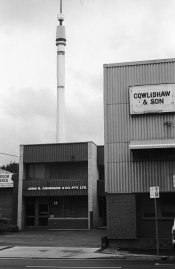
I've just processed my second batch of APX100, using R09 1:100 for 20mins. Both were processed the same way, the second batch with fresh chemistry. Both times the results have been flat and some images looking like the film may be slightly fogged, expirary date is 11/2010, so should be fine. It lacks the sharpness and rich blacks I was expecting.

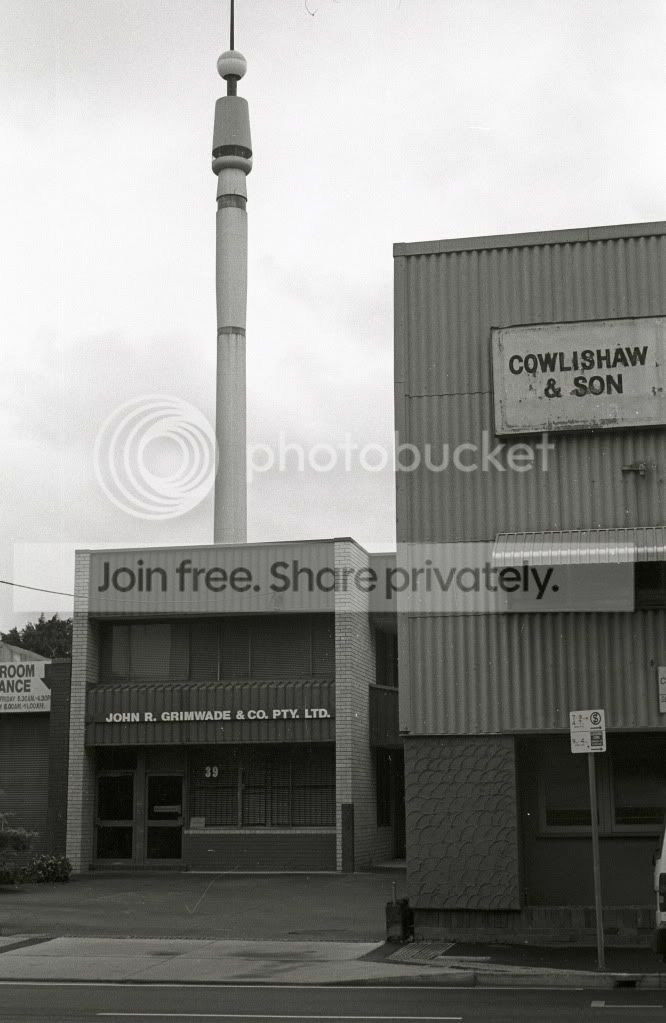
Any tips would be appreciated, the below picture was taken in overcast light, but it still does not look right to me.
D3_IMG454442.jpg
 
Well, looking at the weather in the photo you posted, you've got yourself one nice cloudy softbox sky. No wonder there is no "punch". Photograph in another weather type next time.

And as for printing: lots of control with grade 0-5 in the darkroom. Shouldn't be to difficult to make a soft negative look a bit more punchy.
 
Here in southwest Ontario we've entered yucky sky season. What to do, just print in the darkroom? No, I get out and shoot. You can filter to get a bit more contrast, yellow or red. Often I find I need to print hard contrast MG #5 to make it print well. Pushing fast film or pulling slow film can alter the contrast characteristics as well. Make sure you meter correctly as well, that big grey sky can cause you to underexpose the buildings so either use spot or compensate.
 
No way would I process APX100 in Rodinal at 1+100 and Agfa didn't recommend it either, I found it lifeless at 1+50, so it's not the film rather the developer dilution. In average lighting conditions I used 2+75, 1+25 very rarely in very flat lighting, and 1+50 in very contrasty light.

Ian
 
If that print is on #2 paper, try printing on #3 paper. If you have a lot of #2 paper to use up, develop the next rolls shot under those conditions for 20% more time.
 
Thanks for the tips, I was hoping the dilution may be the issue, I'll give 1:25 or 1:50 a try next time. I know 1:100 is generally not recommended, but I find I get great results with my usual film, Plus X, seems to have more subtlety in the tones than stronger dilutions. The above image is a scanned neg rather than print, it has been rainy and overcast here for about three weeks, so unfortunately all the rolls were under these conditions. I had intended to use an orange filter, but by the time I realised I'd left it at home, was a bit late to go back.
 
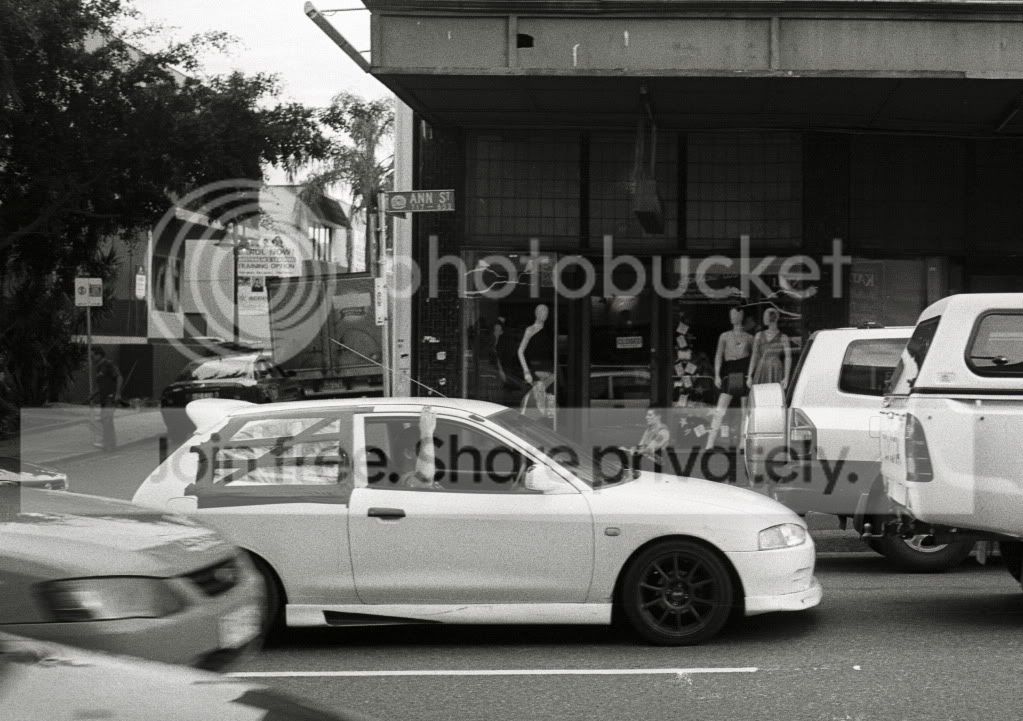
This is not an issue with processing, it's about printing. Look at the full range of the subject. This is more a question of the values of the subject. The buildings might be flat looking but the there is a black in the shadows and the sky is very light. Simply bring out the local contrast of the buildings and hold the sky.
 

Attachments

  • Test.jpg
    Test.jpg
    339.3 KB · Views: 108
I think it could have been slightly underexposed. With photography if you shoot in flat light and process normally you'll get flat results unless you alter agitation or processing.
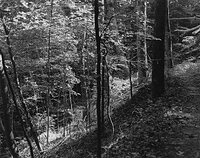
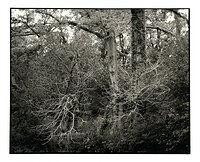
Here is a shot on APX developed in Rodinal at 1:100 which is a good combination as long as your exposure is good.
83888018.jpg


Make sure you meter for the shadow then close down 1 or 2 stops.
 
Photrio.com contains affiliate links to products. We may receive a commission for purchases made through these links.
To read our full affiliate disclosure statement please click Here.

PHOTRIO PARTNERS EQUALLY FUNDING OUR COMMUNITY:


Ilford ADOX Freestyle Photographic Stearman Press Weldon Color Lab Blue Moon Camera & Machine
Top Bottom